Choose and order pages.
Review selected frames and drag them into the final PDF order before export.

Professional PDF export for Figma Design + Buzz
Turn selected frames, components, instances or Buzz assets into an ordered, Acrobat-ready PDF with deliberate control over quality and file size.

In one tested catalogue export, BatchPDF reduced the result by approximately 83%. It is a concrete comparison, not a promise for every document. Results vary.

Approximately 83% smaller in this tested export. Results vary by document.
02 / Built for the handoff
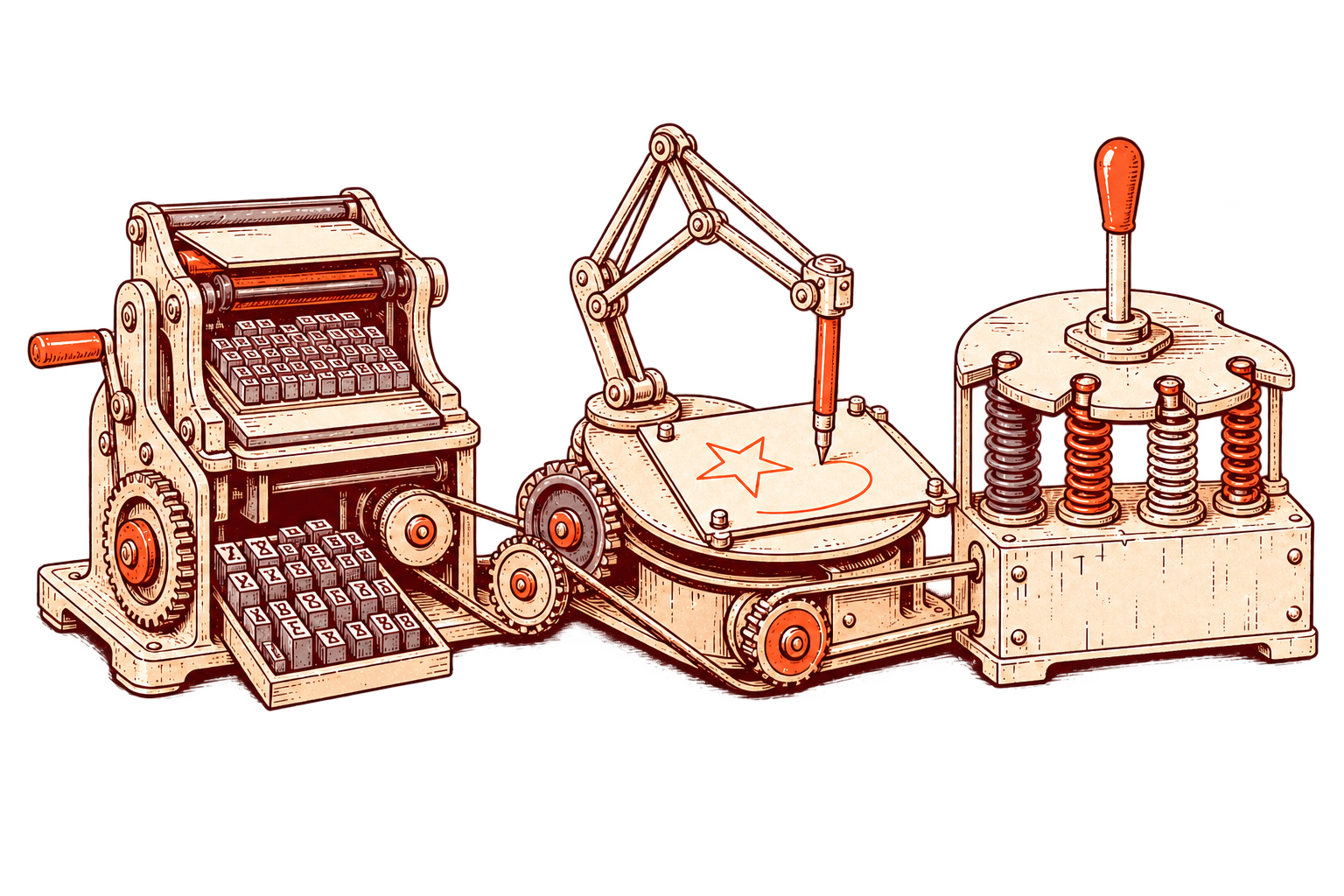
Review selected frames and drag them into the final PDF order before export.
Supported text can stay selectable and clean vector artwork can remain sharp PDF objects.
Start with Print, Balanced or Small File, or tune compression with Custom settings.
03 / Solve a specific PDF problem
04 / Questions before export

Yes. The same plugin supports export workflows in both Figma Design and Figma Buzz.
Supported text can remain searchable and selectable where the font license and source allow safe embedding. Smart fallback protects the visual result when it cannot.
Yes. The page organizer lets you review and reorder selected frames before the PDF is created.
No. One tested 52-page comparison moved from approximately 90 MB to 15 MB. Results vary with the document, fonts, vectors and images.
Yes. The current free plan includes five successful exports, with up to 100 pages in each export.
Figma PDF export built for real production work.