BatchCraft production guide / Page order
How to reorder PDF pages in Figma before export
Preview, reorder and remove Figma pages before creating the final PDF—without rearranging the source canvas or repairing page order afterward.
The production problem
The canvas is not always the reading order.
Production files grow around grids, alternates and working areas. That visual arrangement is useful while designing, but it does not automatically describe the order a client, printer or reviewer needs.
Fixing the sequence after export adds another handoff step. A safer workflow is to review the selected pages, set the final order and remove export-only extras before the PDF is built.
A practical workflow
Set the reading order before the PDF exists.
Select the final pages
Choose the Figma frames, components or instances that belong in this PDF. Leave source-only and working frames out of the selection.
Review large previews
Check page names, proportions and visual content before export. A thumbnail organizer makes accidental selections easier to catch.
Drag into reading order
Move pages into the sequence the reader needs. The export order can differ from the visual arrangement on the canvas.
Remove export-only extras
Delete an unwanted page from the PDF set without deleting the original Figma frame.
Choose the Acrobat view
Select a single-page, continuous or facing-page opening mode, then export and verify the PDF in a real viewer.
Try it on a real handoff
Separate export order from canvas order.
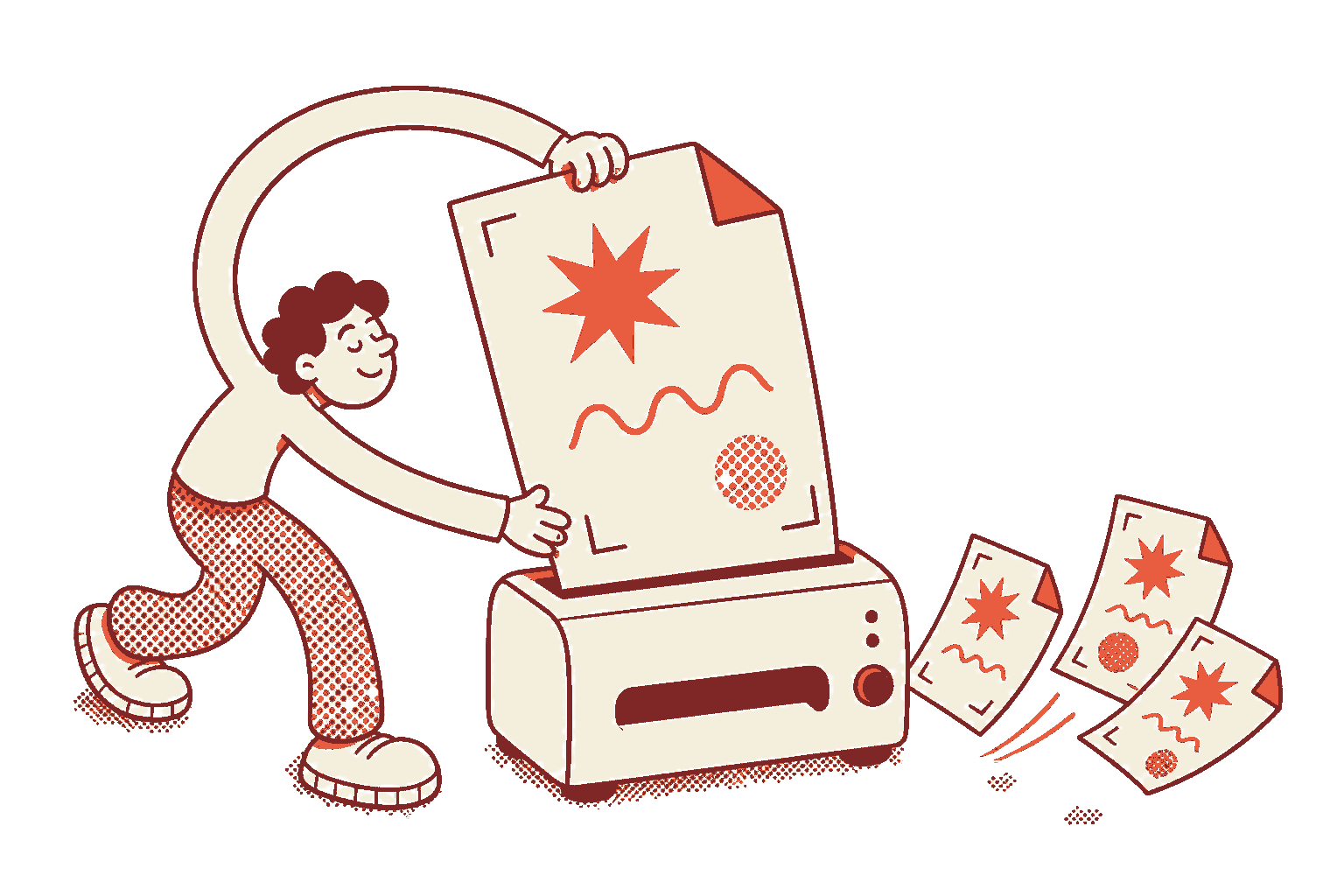
BatchPDF gives the selected pages their own organizer, so the final PDF sequence can change without moving or deleting source frames.
The free plan is intended for a real production test. Results still depend on the document, fonts and artwork, so inspect the exported file before delivery.
Check the platform facts
Official Figma references.
Before the final export
Questions designers ask.
No. BatchPDF can start from the visual canvas order and lets you drag the selected pages into a separate export order.
Yes. Removing a page in BatchPDF changes the export set, not the source frame on the Figma canvas.
Yes. BatchPDF includes Acrobat opening modes for single, continuous and facing-page workflows, including a cover-aware layout.
Yes. Verify the final page count, sequence, opening mode, visual fidelity and file size in Acrobat or another production viewer.
Five successful exports are free, up to 100 pages each.
Use one real file as the test.
Check the order, opening view, visual fidelity and final file size before you change your production workflow.