BatchCraft production guide / Text + fonts
Figma PDF with selectable text—without pretending every font is safe.
“Selectable” can describe several different PDF behaviours. Learn what Figma exports, when real font embedding is possible, and how to protect the visual result when it is not.
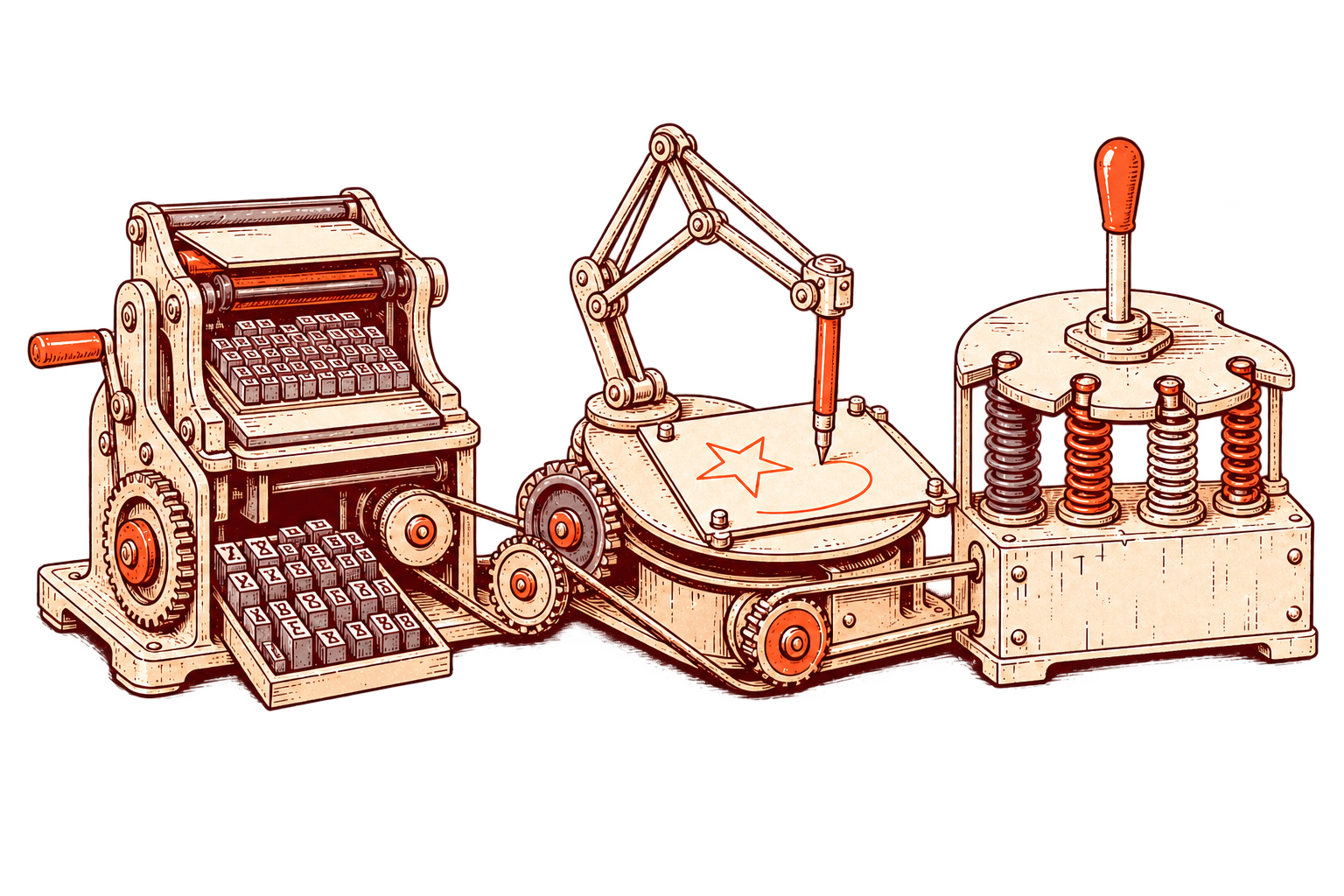
Start with the native behaviour
Figma exports text as glyphs.
Figma’s current export documentation says its PDF output uses glyphs for text. The result is not editable text in the final PDF, although compatible viewers can still allow selection and copying. That distinction matters when the file is headed to Acrobat, a printer, a search workflow or another production system.
Read the source in Figma’s official export documentation. For file-size diagnosis, use the companion Figma PDF size guide.
Three different promises
Selectable, searchable and editable are not synonyms.
The five-step text check
Verify the PDF, not the promise.
Know what selection proves
Selecting or copying a word in one viewer does not prove that the PDF contains editable, correctly mapped text in every workflow.
Check the actual fonts
Confirm which families, weights and styles the file uses. Embedding depends on access to the correct font files and their licensing permissions.
Preserve the page structure
Select the right frames or Buzz assets, arrange them in final reading order and keep a source copy before export.
Test a representative page
Export one page containing body text, bold and italic styles, links, vectors and images before committing to a long document.
Verify the finished PDF
Open the result in Acrobat. Search for a phrase, copy text, inspect fonts, zoom into vectors and compare the page visually with Figma.
BatchPDF Smart fallback
A faithful page is better than a substituted font.
BatchPDF detects installed and Adobe Creative Cloud fonts where available. When the required font cannot be embedded safely, Smart fallback protects the appearance instead of silently replacing the typeface or making a universal text-preservation claim.
Production handoff
Text is one part of a useful PDF.
Page order, image quality, links, vector fidelity, file size and Acrobat behaviour still matter. BatchPDF combines that broader handoff with Print, Balanced, Small File and Custom settings instead of optimizing one PDF property in isolation.
Questions about Figma PDF text
Selectable text FAQ.
Figma documents that its PDF export represents text as glyphs. The text is not editable in the final PDF, although compatible viewers may still let you select and copy it.
No. A font can be embedded only when the required source is available and its permissions allow embedding. BatchPDF uses Smart fallback to protect the visual result when safe embedding is not available.
Not always. Font subsetting can reduce repeated outline data in text-heavy files, but large images, transparency and complex artwork may still dominate the file size.
No. Accessibility can also require tags, reading order, language, alternate text and other document structure. Those requirements need a separate accessibility check.
Five successful exports are free, up to 100 pages each.
Test the fonts your real file uses.
Export one representative page, inspect it in Acrobat and compare the result before committing to the full document.